NX MobileAir is now totally FREE! As of July 9, 2026, this app and service is free to use with no usage limits.
NX MobileAir

Professional Image Transfer App
Go from shooting to
delivery in no time.
When every second matters, NX MobileAir keeps you connected to your newsroom, client or team. Apply IPTC metadata, perform quick edits and then deliver content directly to FTP servers or cloud platforms over a 4G/5G cellular connection—all in the moment, without a computer. Compatibility & Requirements


How it works

Connect
Link your compatible Nikon camera and smartphone to create a fast, streamlined workflow.
Capture
Images can be transferred to your phone automatically as you shoot or manually after the fact.
Prepare
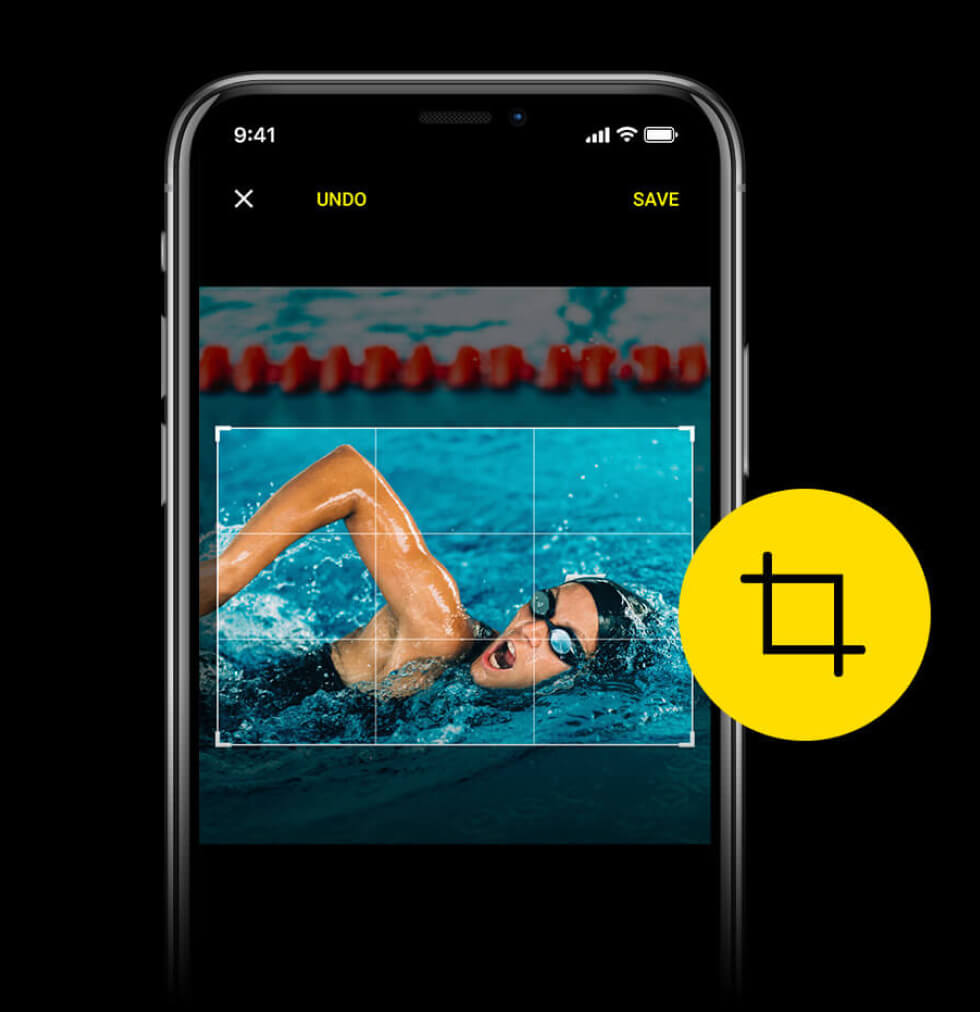
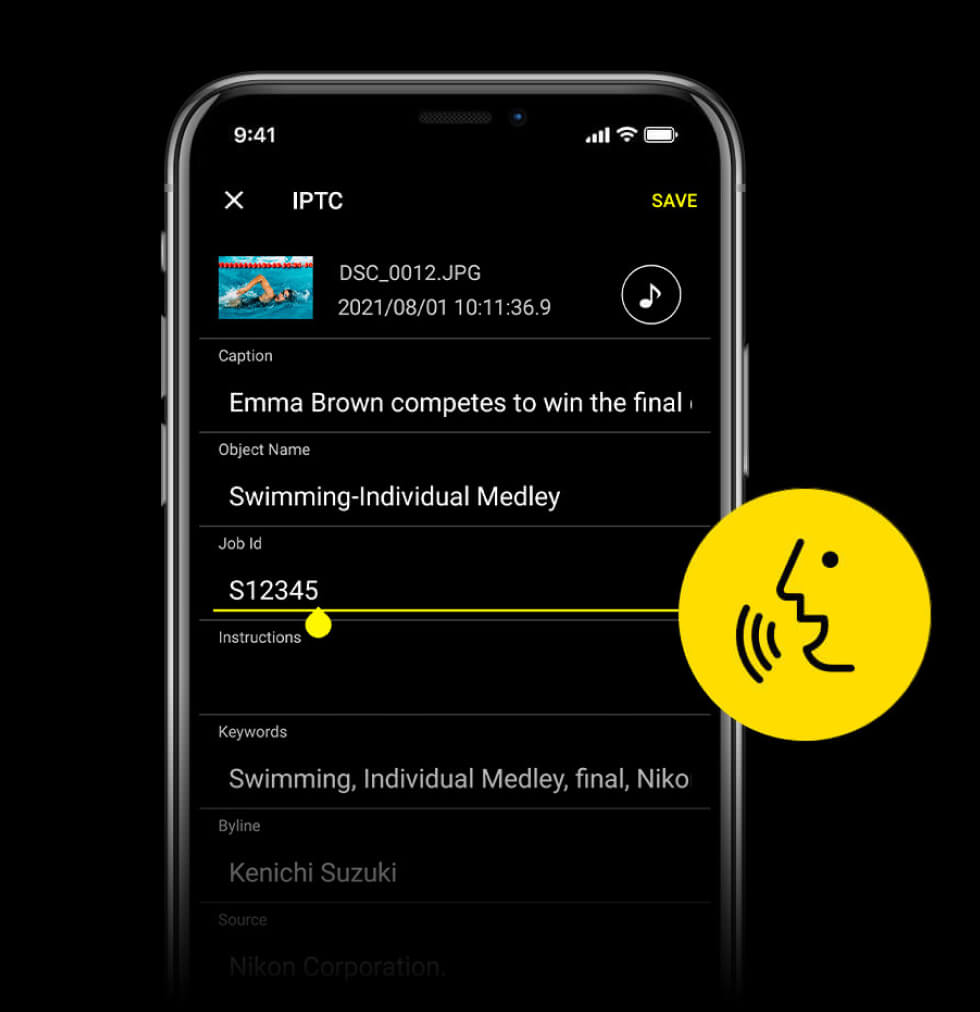
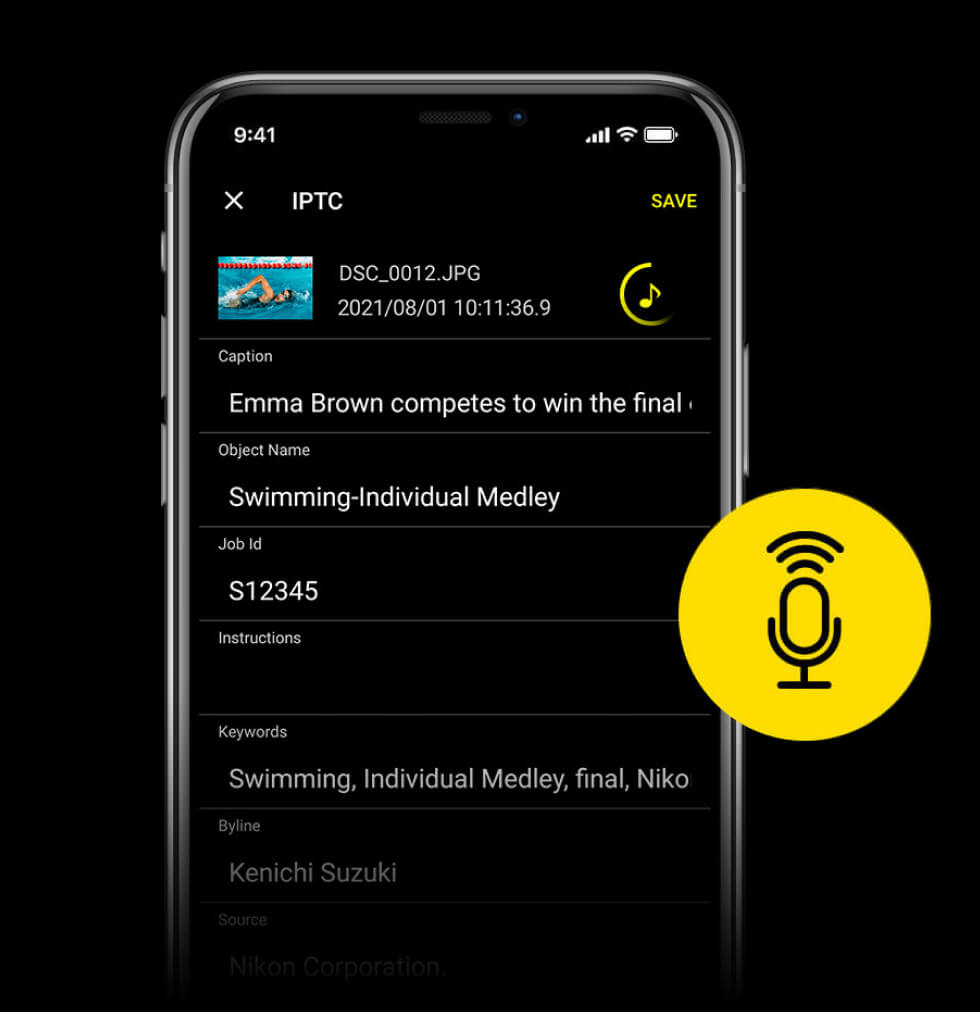
Edit your images, add IPTC data, voice memos and more, right from your mobile device.
Deliver
Send photos and videos to editors, clients or cloud services over the phone's 4G/5G cellular connection.
Built for fast-moving
workflows.

Effortlessly automatic.
When you need to stay focused on the moment, NX MobileAir can automatically import your images, straighten them, attach IPTC metadata and upload them to an FTP server or cloud service—all in the background while you shoot.
Find images faster.
Deep-learning filters let you sort and filter imported images by subject types (subject detection), shooting conditions and even whether or not a person is visible in the shot.1
Not only for still photographers.
Streamline your video workflow by manually or automatically uploading recorded video files to Frame.io for real-time cloud collaboration.
Edit, prepare and
upload in the moment.
Crop, Rotate & Straighten

Add IPTC Data
Add Voice Memos
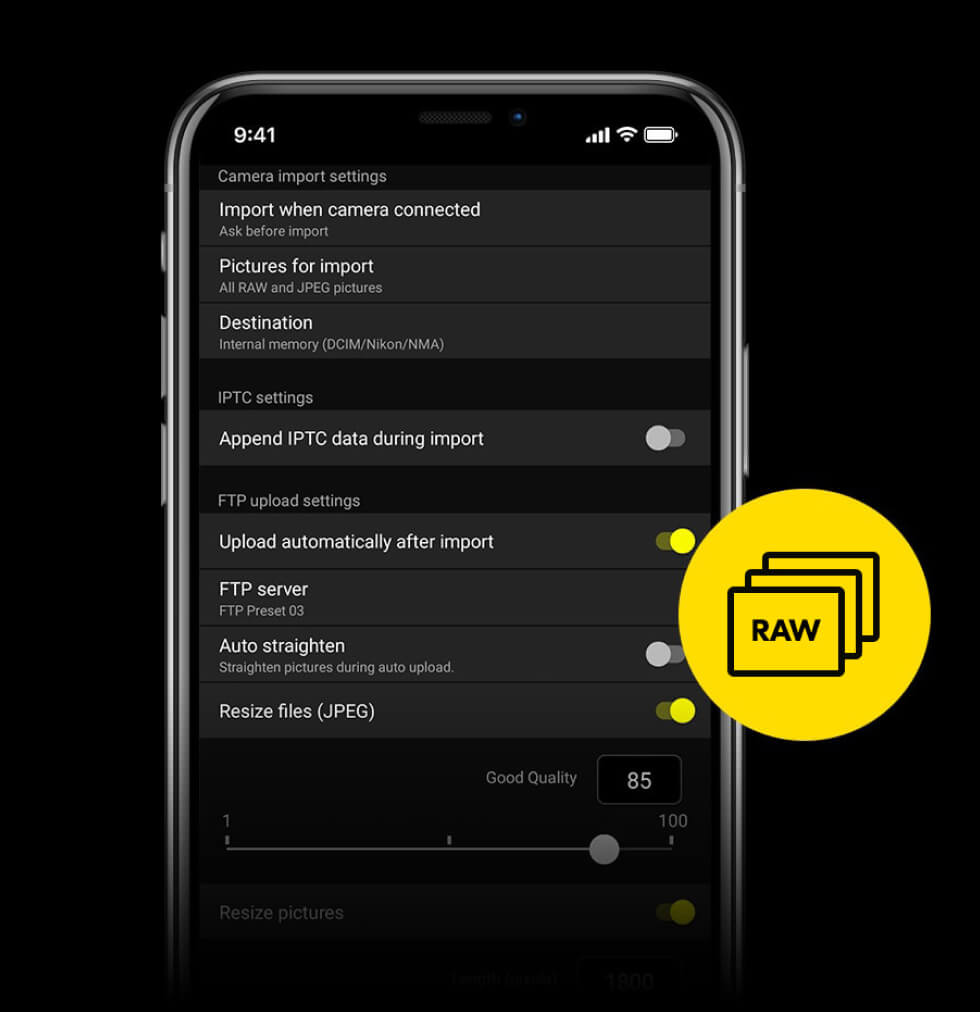
Transfer RAW Files
Compatibility & Requirements
The Nikon NX MobileAir application must be installed on the device before it can be used with a compatible camera. Make sure your camera’s firmware is updated to the current version.
Compatible Cameras
- Android:
ZR, Z9, Z8, Z7II, Z7, Z6III, Z6II, Z6, Zf, Z5IIC, Z5II, Z5, Zfc, Z50II, Z50, Z30, D6, D5, D850, D780 - iOS:
ZR, Z9, Z8, Z7II, Z6III, Z6II, Zf, Z5IIC, Z5II, Z5, Zfc, Z50II, Z30, D6, D780
System Requirements
- Android:
Version 10-15 - iOS:
Version 16, 17, 18 - iPadOS:
Version 16, 17, 18
Required
Cable
- Android:
Compatible USB Type C cable - iOS:
Anker 2361 Lightning to USB-C Accessory Cable
Start using
NX MobileAir today.
Apple, the Apple logo, iPhone and iPad are trademarks of Apple Inc., registered in the U.S. and other countries. App Store is a service mark of Apple Inc.
Android and Google Play are trademarks of Google LLC.
Anker is a trademark of Anker Innovations Limited or associated companies.
All Nikon trademarks are trademarks of Nikon Corporation.
* Important request for users of the iOS version of NX MobileAir
If you are currently using NX MobileAir Version 1.4.3 or earlier for iOS, please update NX MobileAir to Ver. 1.5.0
before July 9, 2026. If the app is not updated to Version 1.5.0 before this date, you may lose access to the app when your current paid subscription is terminated. In addition,
deleting the app while using an older version will result in the loss of data stored on your iOS device. Updating to Version 1.5.0 beforehand will prevent the loss of your
saved data.
If you are using the free version of NX MobileAir, further update to Version 1.6.0 on July 9 to have full access to all functionality—unlimited
images and albums.
1Items that require image analysis are subject to the filtering function only when [Analyze on import] is active. Filtering is not applied to RAW (NEF) images that are not subject to image analysis. Images imported with NX MobileAir before ver. 1.1.0 are filtered only on the conditions of Date, Retouch, and Voice memo.
2RAW (NEF) images do not support image analysis, resizing or editing.